🧮
Canvas-aware Sheets
The grid, headers and formula bar all go dark together. If a sheet is already dark (say, painted by a dark add-on), Dark Browser detects it and leaves it alone — no accidental double-flip back to white.
 Dark Browser
Add to Chrome
Built for people who live in Google Docs & Sheets
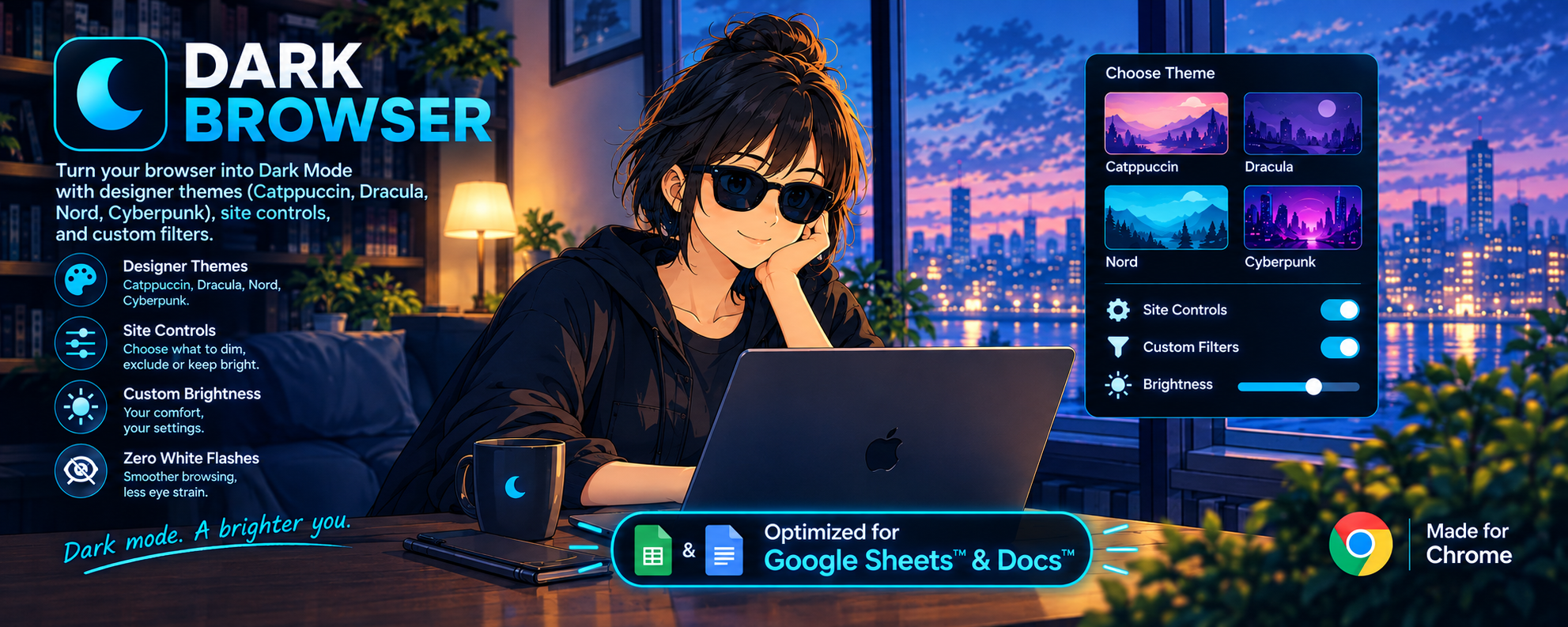
Dark Browser turns every website dark the instant it loads — and it's the rare dark mode that actually gets Google Docs and Sheets right: crisp cells, readable text, charts and images in their true colors, and not a single blinding white flash.
Watch it in action
From a blinding white spreadsheet to a calm, readable night theme — with one click.
Google Workspace, done right
Google Sheets draws its grid on a <canvas>, and Docs mixes canvas, iframes and live comments.
Generic CSS tricks miss half of it. Dark Browser covers the whole page — every frame, every canvas — in one pass.
Flip the switch and see for yourself.
| A | B | C | D | |
|---|---|---|---|---|
| 1 | Category | Budget | Actual | Status |
| 2 | Design | $12,400 | $11,950 | On track |
| 3 | Engineering | $48,000 | $46,210 | On track |
| 4 | Marketing | $22,500 | $24,880 | Over |
| 5 | Support | $9,800 | $8,120 | Under |
| 6 | Ops | $6,300 | $6,300 | Even |
| 7 | Total | $99,000 | $97,460 |
We ship on December 2. Final copy is due Friday; screenshots are already approved by design.
Remaining risk: store review timing. 💬 Ayşe: add a buffer day?
The grid, headers and formula bar all go dark together. If a sheet is already dark (say, painted by a dark add-on), Dark Browser detects it and leaves it alone — no accidental double-flip back to white.
Photos, videos, embedded images and background images are restored to their real colors. Your logos stay on-brand and your charts stay readable.
Docs comments, add-on sidebars, dialogs and embedded frames all follow the same theme — no glowing white panels sneaking in from the side.
Quality & performance
Big spreadsheets are heavy enough. Dark Browser is built so you never feel it running.
Runs at document_start, before the page paints. Open a Doc at midnight without squinting.
One hardware-accelerated filter on the page root instead of rewriting thousands of styles, so long sheets keep scrolling smoothly.
Canvas detection samples a tiny 16×16 copy — it never touches the page's own canvas, so Sheets keeps rendering at full speed.
Background tabs pause scanning entirely. Twenty Sheets open? Only the one you're looking at does anything.
Everything you need, nothing you don't
Catppuccin, Dracula, Nord, Tokyo Night and more — real palettes, not a muddy grey invert.
Dark everywhere, or only on the domains you pick. Exclude any site in one click.
Brightness, contrast, sepia and grayscale sliders for long reading sessions.
Press Alt + Shift + D to flip dark or light instantly — perfect for printing previews.
Switch modes or toggle the current domain straight from the context menu.
No analytics, no browsing data collected. Settings live in Chrome; the only network call is license verification.
Pick your mood
Tap one — the Sheets demo above changes with it.
Up and running in 10 seconds
One click from the Chrome Web Store. No sign-up.
It's already dark — before the page even finishes loading.
Pick a theme, tweak brightness, choose which sites stay light.
Try before you commit
Every feature is unlocked for 3 days. Love it? Keep it with a Gumroad license — activate it in the popup in seconds, and it keeps working offline.
Questions
Yes — that's what it was tuned for. Sheets' canvas grid, the toolbar, sidebars, comment threads and dialogs all go dark together, and already-dark canvases are detected so they're never flipped back to light.
No. Photos, videos, embeds and background images are restored to their natural colors, so charts, logos and screenshots look exactly as intended.
Dark Browser applies a single GPU-accelerated filter per page rather than rewriting styles element by element, and it does nothing at all on background tabs. Large spreadsheets stay smooth.
Nothing. There are no analytics and no browsing data leaves your computer. Your settings are stored in Chrome; the only network request is verifying your license key with Gumroad.
Absolutely. Exclude any domain with one click, or switch to "Selected Domain" mode and turn dark mode on only where you want it.
Chrome doesn't allow extensions on its own pages (like chrome:// settings and the Chrome Web Store). Everywhere else, you're covered.
Join the people working late in Docs & Sheets — comfortably.
Add Dark Browser to Chrome